Short answer
Both are on the Plan tab in your portal. A new plan starts as soon as PayPal confirms it, and DemoPage cancels your old PayPal subscription. If you cancel, your plan keeps working until the end of the period you've paid for, then your demo goes back to the Free plan's limits.
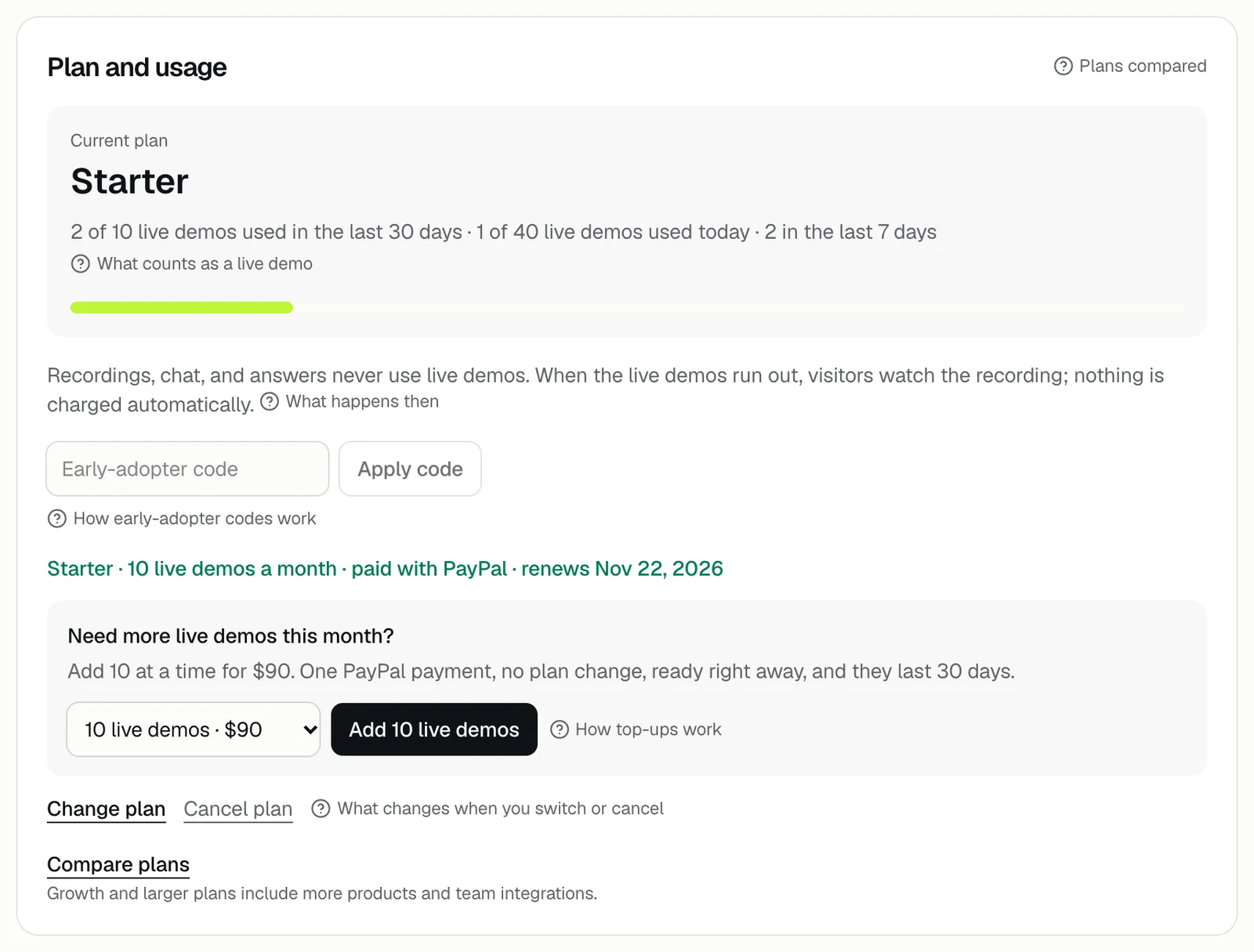
Change plan
- 1Open the Plan tab and press Change plan.
- 2Pick Starter, Growth, or Scale. The button next to them says Monthly; press it to switch to Yearly · 2 months free.
- 3Move the slider to the live demos a month you want. The price a month and per live demo shows above it.
- 4Pay with the PayPal button. The Plan tab says Confirming with PayPal…, then shows your new plan.
On the trial or the Free plan, there's no Change plan button: the plans are already open on the Plan tab. If you pick the pack you already have, it says That's your current plan. Keep my plan closes the picker without changing anything.
Changing in the middle of a month
- PayPal doesn't prorate: the new plan is billed in full from the day it starts, with its own renewal date, and the unused part of the old plan isn't refunded or credited. Switching close to your renewal date wastes the least.
- Live demos used in the last 30 days still count against the new plan's number, because the count always covers the last 30 days.
- Top-ups you bought keep counting until their 30 days end, and your daily limit changes with the plan.
- Moving to a smaller plan turns off what it doesn't include, such as lead notes and recap links when moving from Growth to Starter; your settings are kept and come back when you move up.
- DemoPage cancels the old PayPal subscription for you. If PayPal still lists it as active afterward, cancel it in PayPal or contact us.
Cancel your plan
- 1Open the Plan tab and press Cancel plan.
- 2Confirm the message Cancel your plan? It keeps working until the end of the period you've paid for, then visitors watch the recording.
- 3The Plan tab then shows the last day, for example Cancelled. Starter keeps working until Dec 1, 2026.
Cancelling stops the PayPal subscription, so nothing more is billed. Payments already made aren't refunded; see [refunds](/help/refunds-and-yearly).
After it ends
Your demo goes back to the Free plan's limits and features after the last paid day. See what happens when a plan ends.
You can pick a plan again from the Plan tab at any time. If you pick one before the cancelled plan ends, the new one replaces it right away.
Plans from a code, and failed payments
- A plan from an early-adopter code has nothing to cancel. The Plan tab says No card on file, and nothing is billed; it ends on its own. Picking a paid plan replaces it.
- If PayPal can't take a renewal payment, see what happens if PayPal can't renew your plan.
Paying by invoice
Enterprise plans are paid by invoice or purchase order. Talk to us to set one up.
Related questions
Didn't answer your question?
Talk to us with your demo link and the email you signed up with, or write to hello@demopage.io. We'll answer, and add it to the Help Center.