Short answer
Press Sign out at the top right of your portal. A sign-in lasts 14 days in that browser, and then you sign in again. Signing out doesn't disconnect AI tools you connected; resetting your password signs out every other browser and disconnects them all.
Signing out
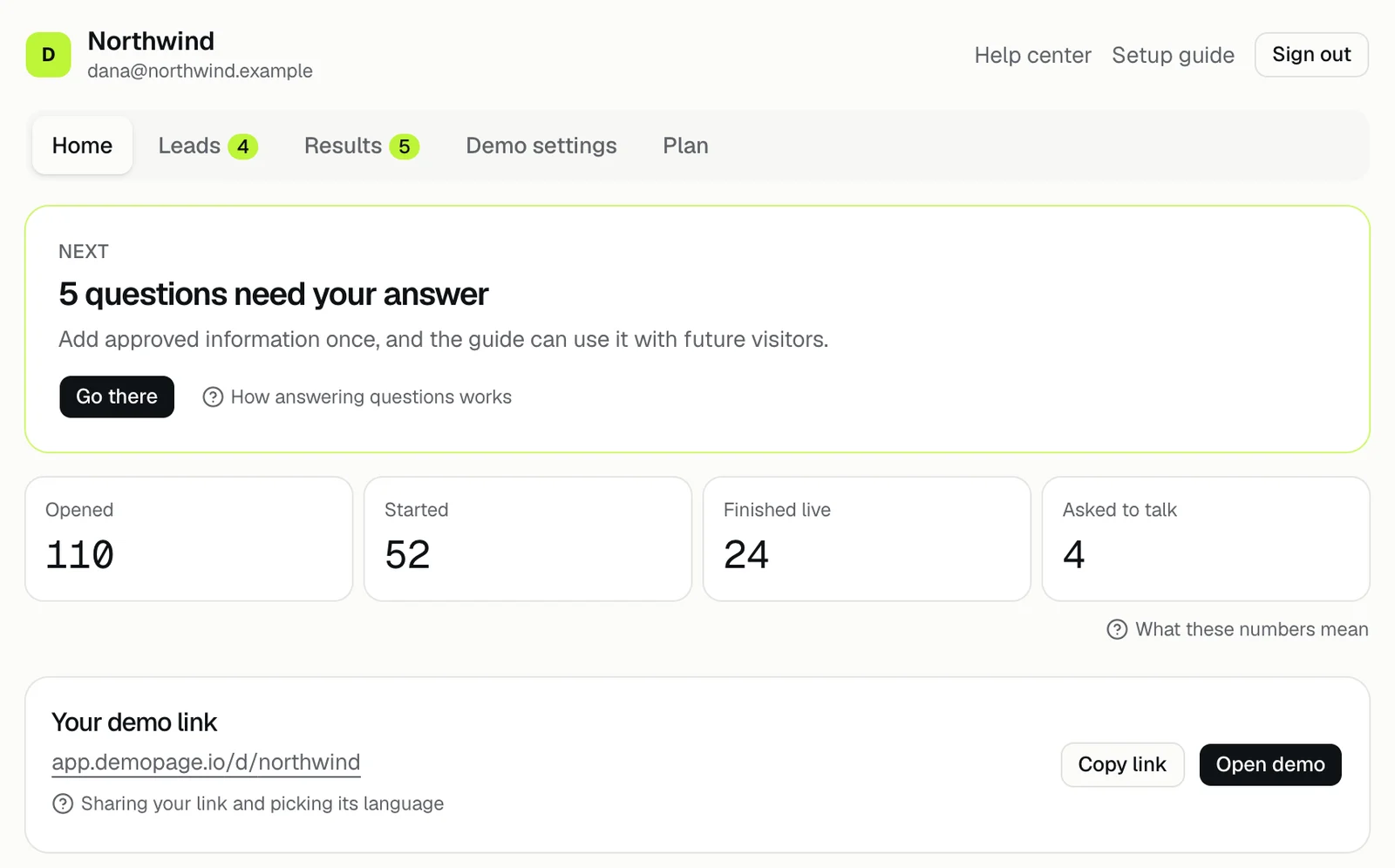
Sign out is at the top right of the portal, next to Setup guide. It ends the sign-in in that browser only, so sign out on a shared or borrowed computer.
When a sign-in ends
A sign-in lasts 14 days from when you signed in, whether or not you use the portal in between. Then the portal asks you to sign in again at app.demopage.io/portal/login.
Sign out everywhere
There's no button that signs out every browser at once. Reset your password instead: it signs out every other browser and disconnects every tool you connected with Sign in with DemoPage.
AI tools stay connected
Signing out leaves coding tools connected. To end one, open Demo settings, then Build from code, and press Disconnect next to it under Connected tools. A connection also ends after 30 days without use. Build your demo from your code
Related questions
Didn't answer your question?
Talk to us with your demo link and the email you signed up with, or write to hello@demopage.io. We'll answer, and add it to the Help Center.