Short answer
No. DemoPage's browser fills in your sandbox login itself, and the AI model only ever sees placeholders for it. Keys, tokens, card numbers, and password fields on the page are masked before anything is recorded or read by the model, and they stay masked as the page changes.
What is masked
- Your sandbox login's email and password, anywhere they appear on the page.
- Keys and tokens in page text: Stripe, GitHub, GitLab, Slack, Shopify, npm, Square, SendGrid, AWS, and Google keys, JSON Web Tokens, and long random strings.
- Card numbers in text, cut to their last four digits.
- Fields for passwords, PINs, security codes, card numbers and expiry dates, bank account, IBAN, routing, and sort code numbers, Social Security numbers, keys, and tokens, shown as dots.
- Email and username fields, also shown as dots.
- A field masked once stays masked, even if the page switches it to plain text, as a reveal-password button does.
Where masked text stays out
Masking happens inside the demo browser before anything is captured. The narration, the recording, the live picture a visitor sees, and what the AI model reads all show dots instead.
Your sandbox login
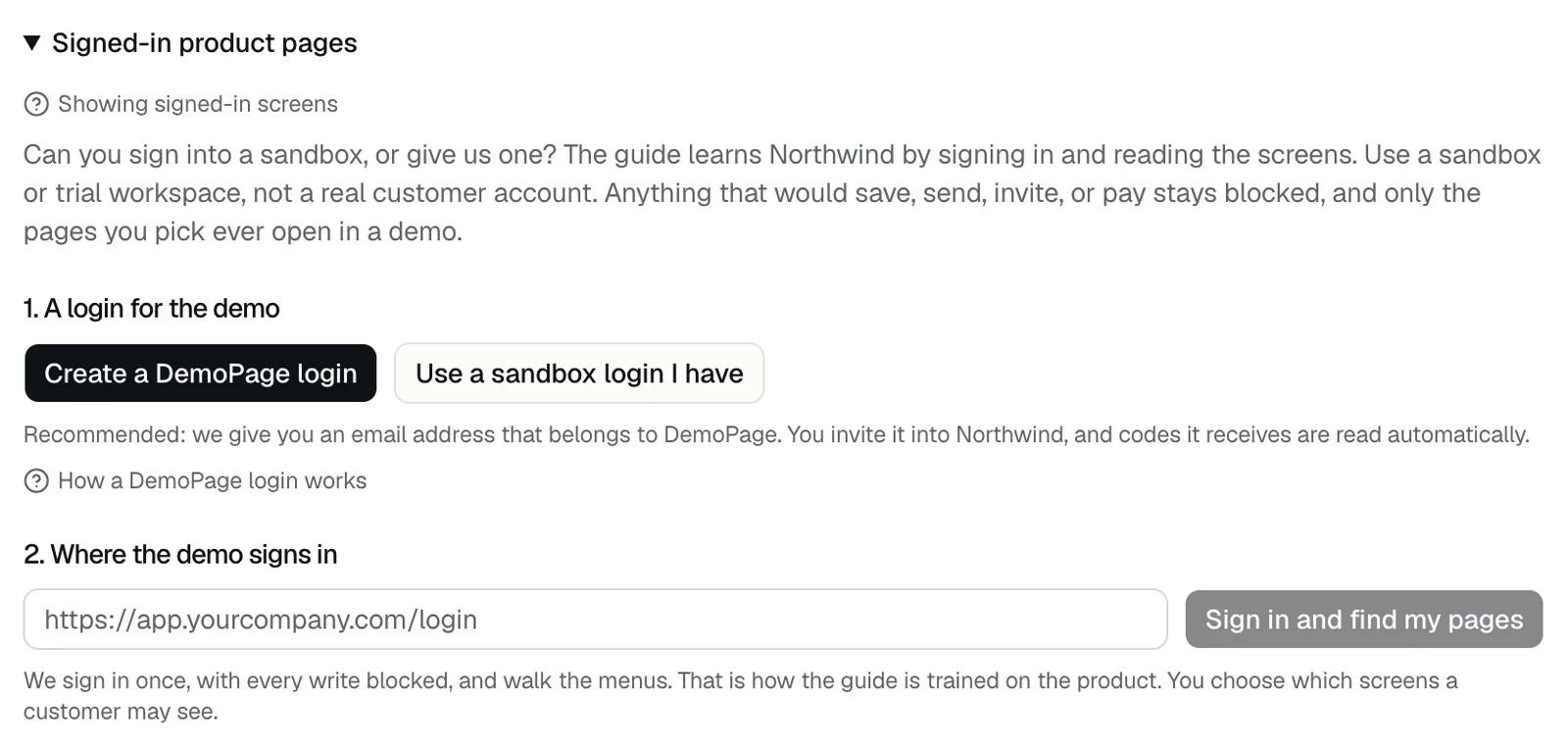
- You set it in Demo settings, under Signed-in product pages: Create a DemoPage login, or Use a sandbox login I have.
- It stays on DemoPage's servers, where only the app can read it, and it's never shown in full again after you save it.
- The demo browser gets it over an authenticated connection and never writes it to the demo machine's disk.
- After a demo signs in, DemoPage can keep that signed-in session for up to 24 hours, sealed with AES-256-GCM, so the next demo doesn't sign in again. Saving a different login ends it.
- A DemoPage login is the one you can see: its password is under Show password, and mail sent to its address is kept for 14 days. How the DemoPage login works
Use a sandbox
Give the demo a sandbox or test workspace filled with sample data, not a real customer's account. Masking covers secrets, not ordinary data: names, figures, and other people's emails in the page text show as they are. Show your product signed in
Related questions
Didn't answer your question?
Talk to us with your demo link and the email you signed up with, or write to hello@demopage.io. We'll answer, and add it to the Help Center.