Short answer
No. Each DemoPage account has one sign-in, the email address you signed up with, and there's no way to invite teammates. Your team can still get every lead: add up to 5 addresses to Email alerts to, post alerts to a shared Slack channel, and forward recap links. Don't share your password; if the account should move to a colleague, talk to us.
Keep your team in the loop
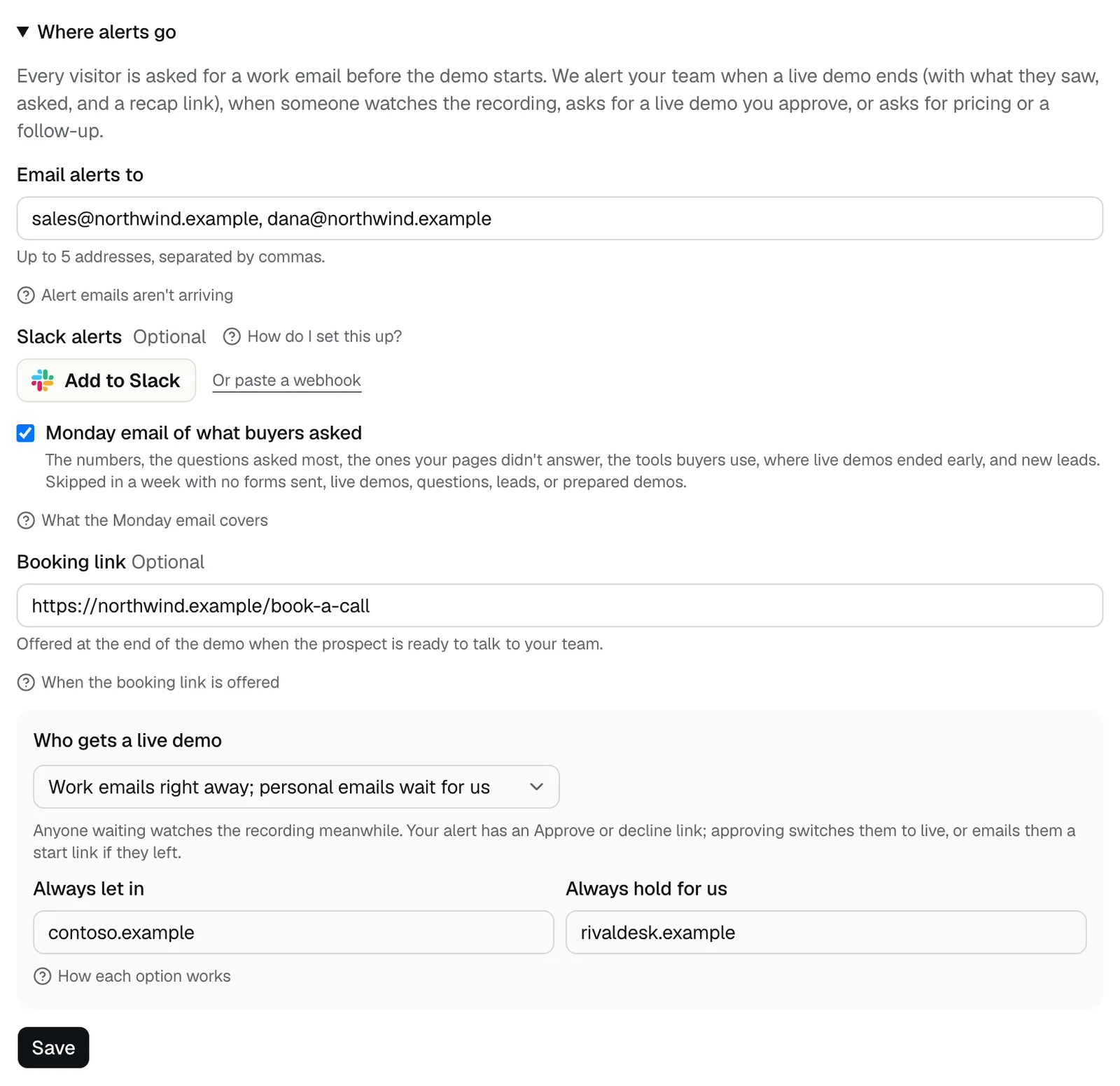
- Email alerts to, on the Leads tab under Where alerts go, takes up to 5 addresses, such as sales@northwind.com and each rep's own.
- Slack alerts post every lead to one channel your whole team can follow. Get lead alerts in Slack
- The Monday email of what buyers asked goes to the same addresses, and to Slack when it's connected. Skipped in a week with no forms sent, live demos, questions, leads, or prepared demos.
- Each lead under Latest leads has Reply, which writes to the lead from your own email app, and Recap, a link you can forward to a colleague.
- A webhook can send every finished demo to your CRM, where your team already works. Send finished demos to a webhook
Team sign-in is for DemoPage staff
The Team sign-in link under the portal's sign-in form is for people who work at DemoPage, not for your teammates. Your colleagues don't need a sign-in to get leads: alerts, the Monday email, and recap links reach them directly.
Need more sign-ins?
Talk to us if your team needs its own sign-ins, or if the account should move to a colleague's email. Change the email you sign in with
Related questions
Didn't answer your question?
Talk to us with your demo link and the email you signed up with, or write to hello@demopage.io. We'll answer, and add it to the Help Center.