Short answer
Press Forgot your password? on the portal's sign-in page, enter your work email, and open the link we email you. The link works once, for one hour, and your new password needs at least 12 characters. Resetting signs out every other browser and disconnects every AI tool you connected.
Reset it
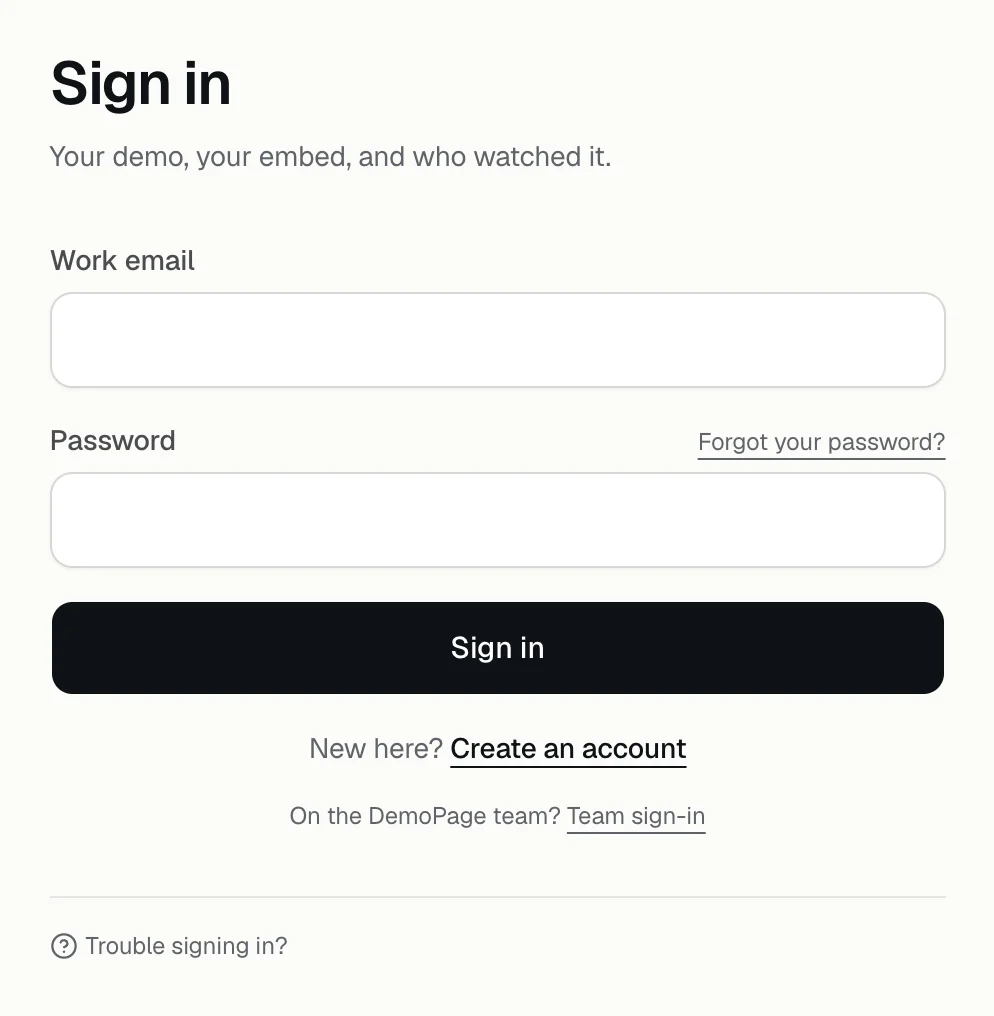
- 1Open app.demopage.io/portal/login and press Forgot your password?
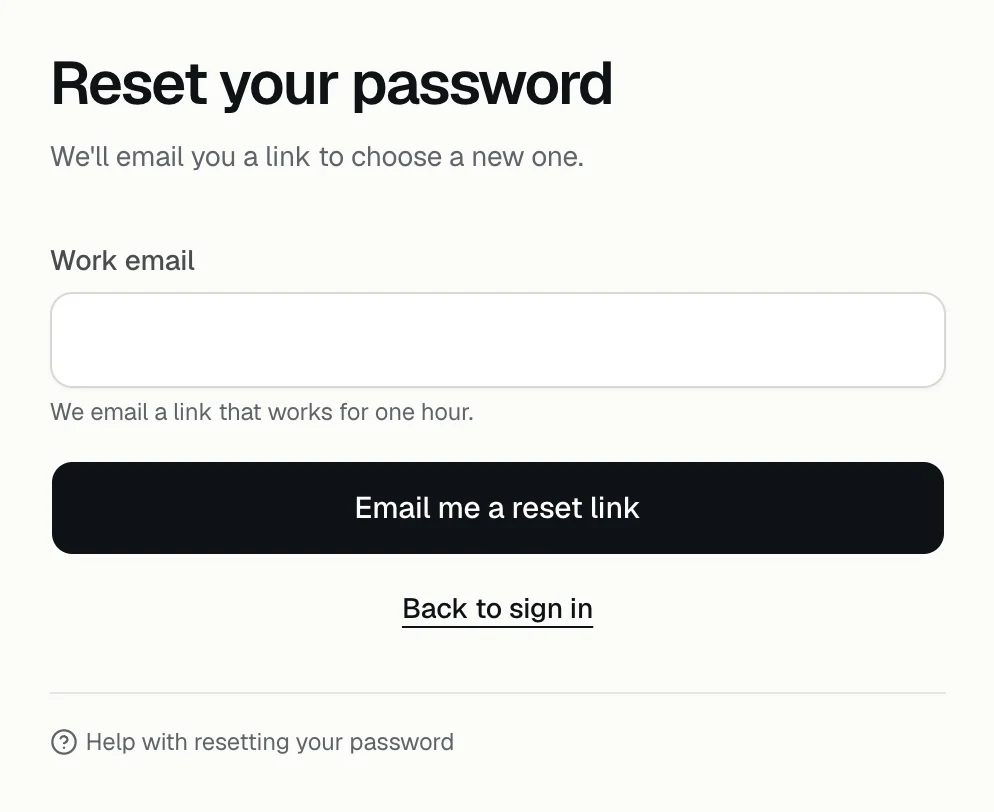
- 2Enter your Work email and press Email me a reset link. The page says If that email has a DemoPage account, a reset link is on its way, whether or not the address has an account.
- 3Open the email titled Reset your DemoPage password. Only the newest link works, and it works once, for one hour.
- 4Enter a New password of at least 12 characters, then press Set the password and sign in.
What resetting ends
- Every other browser signed in to your portal is signed out. The one you reset in stays signed in.
- Every AI tool you connected is disconnected, so connect each one again. Reconnect an AI tool
- Your demo, its settings, and your leads don't change.
Messages you may see
- This reset link has expired or was already used: the link is more than an hour old, was used, or a newer one replaced it. Ask for a new one.
- Too many reset requests. Try again in an hour: several links were asked for this hour, for that email or from your network.
- Too many tries. Try again in an hour: too many attempts to set a new password came from your network this hour.
- Password emails aren't switched on for this server yet: talk to us, and we reset it for you.
- Use at least 12 characters, Use 200 characters or fewer, or Pick a password that is not one repeated character: choose another password.
- On the sign-in page, That email and password do not match an account: check the email, or reset the password.
- Too many tries. Wait 15 minutes: 10 wrong passwords came from your network in 15 minutes. Wait, or reset the password.
Other sign-in questions
- The portal has no change-password setting. To change your password, reset it this way.
- Lost the inbox you signed up with? Change the email you sign in with
- Team sign-in, under the sign-in form, is for people who work at DemoPage. Teammates and sign-in
- How long a sign-in lasts, and signing out: Sign out
Related questions
Didn't answer your question?
Talk to us with your demo link and the email you signed up with, or write to hello@demopage.io. We'll answer, and add it to the Help Center.