Short answer
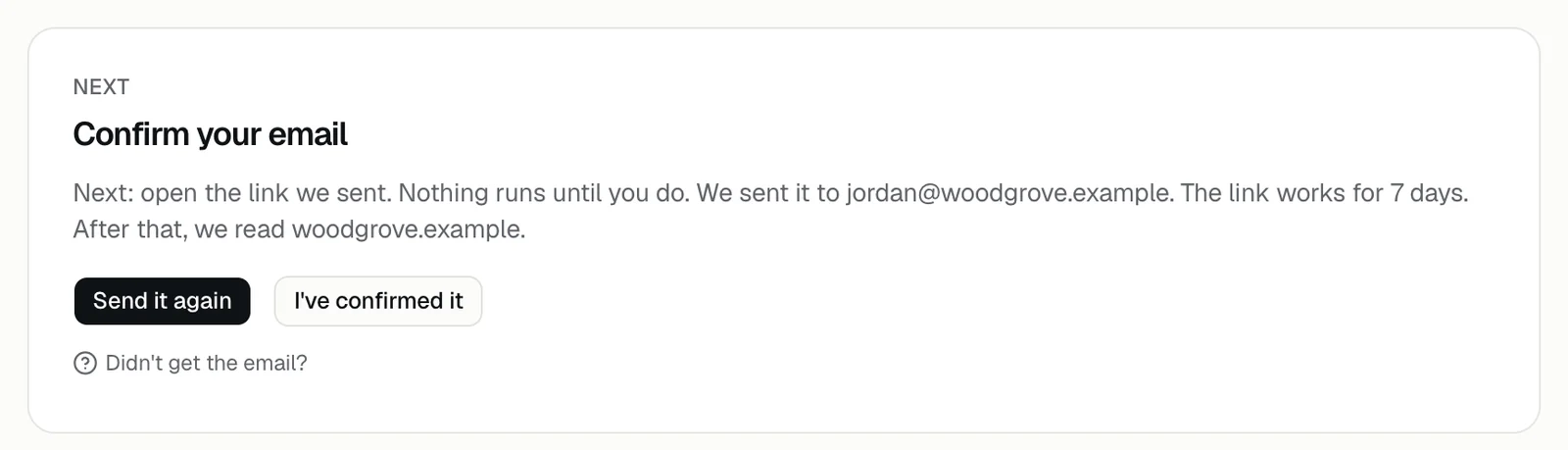
Check the address you signed up with, look in your spam folder, and then send the email again from the portal. The confirmation link works for 7 days, and nothing runs until you open it.
Try these in order
- 1Sign in at app.demopage.io/portal/login. The portal shows the address after We sent it to; check it for a typo. Signed up with the wrong email?
- 2Look in spam, junk, and any filter your IT team runs for new senders. The subject is Confirm your email for DemoPage.
- 3Press Send it again. The portal says Sent. Check you@yourcompany.com for the link.
- 4Open the newest email and press the link, then press I've confirmed it in the portal. The portal also moves on by itself once you confirm.
- 5Still nothing? Talk to us and tell us the address you used.
Messages you may see
- We sent a few links already: the portal sends at most 3 emails an hour. Check your inbox and spam folder, or try again later.
- If the portal says it couldn't send the email, try again later, or talk to us if it keeps happening.
How long the link lasts
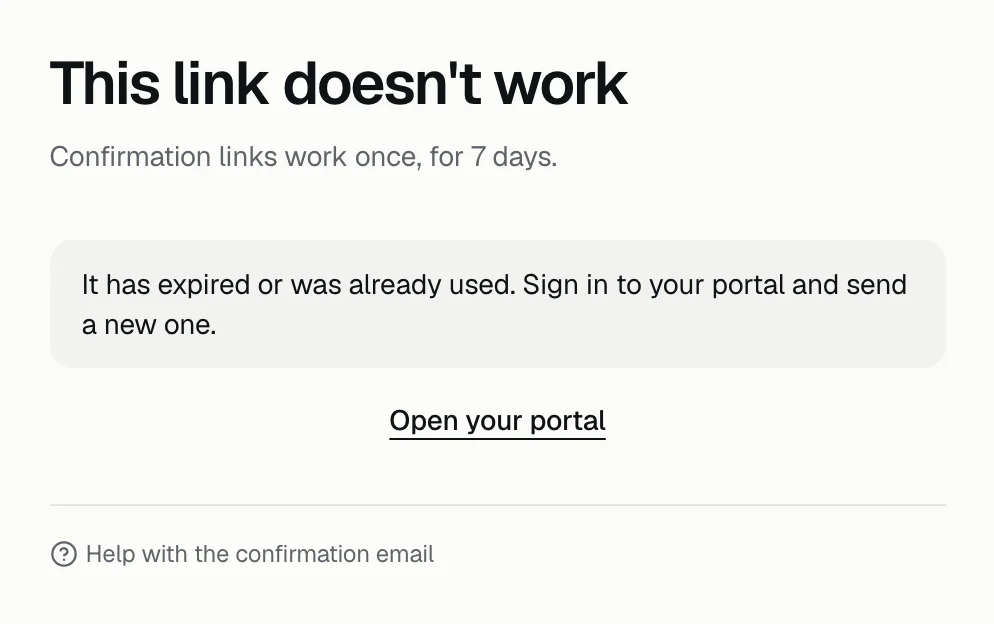
The link works once, for 7 days. Each new email replaces the earlier link, so use the newest one.
An expired or replaced link opens a page titled This link doesn't work. Sign in and press Send it again. If a link already worked, for example because a mail scanner opened it first, the page says Email confirmed, and Open your portal takes you on.
Invited by DemoPage?
If you signed up from an invite link, your email is already confirmed, so no confirmation email is sent.
Can't sign in to send it again?
You can set a new password from the sign-in page. Reset your password
Related questions
Didn't answer your question?
Talk to us with your demo link and the email you signed up with, or write to hello@demopage.io. We'll answer, and add it to the Help Center.